

Direct Download
How to install?
26832 Downloads / 26832 Total


Submitted on 09 Mar 2020 from Dev Build #8, Approved on 09 Mar 2020
Feature
- Warn system
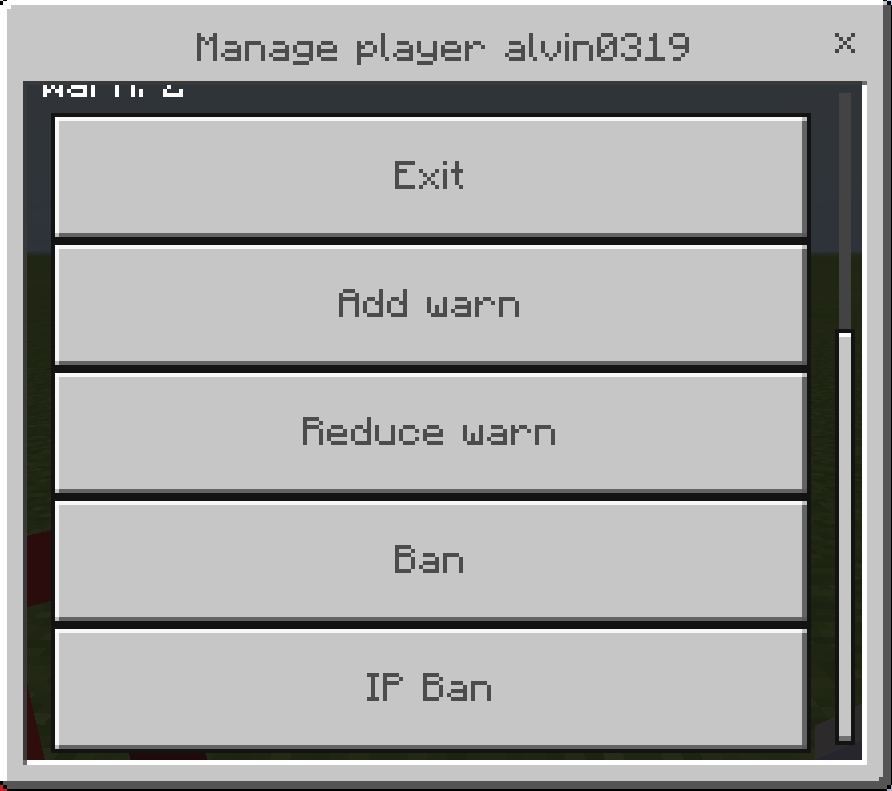
- Instantly ban or ip-ban
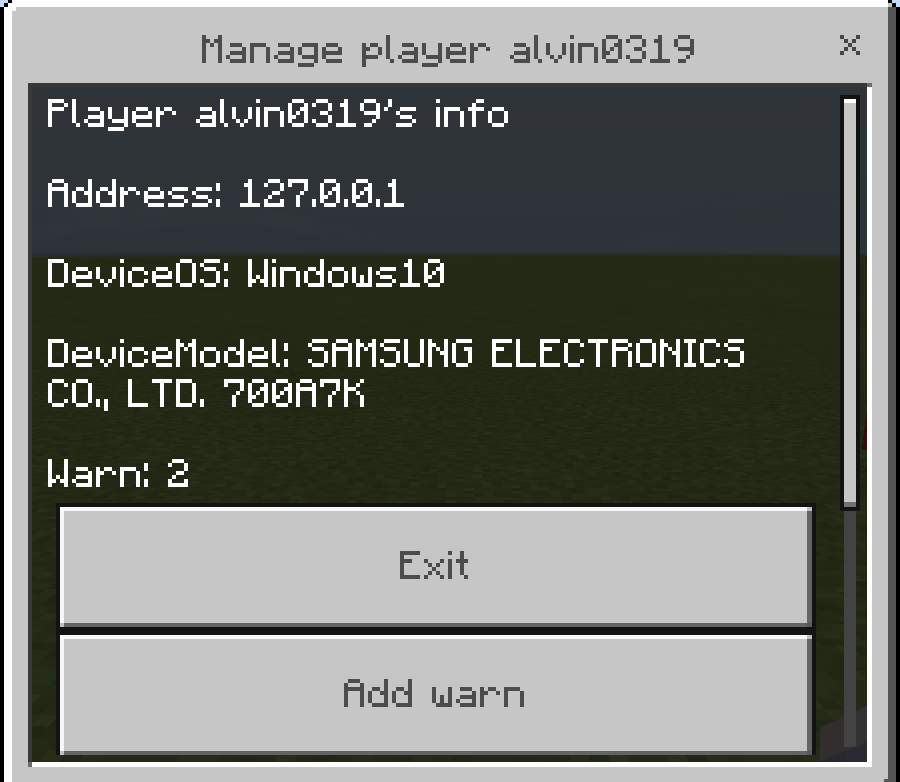
- Can see player's address and DeviceOS, DeviceModel
Usage
| command | description |
|---|---|
| /playeradmin | PlayerAdmin's main command. |
| /pa | aliases of /playeradmin |
You can warn player or ban player in Manage ui.
-
type /pa or /playeradmin command.
-
select the type you want to manage player.
-
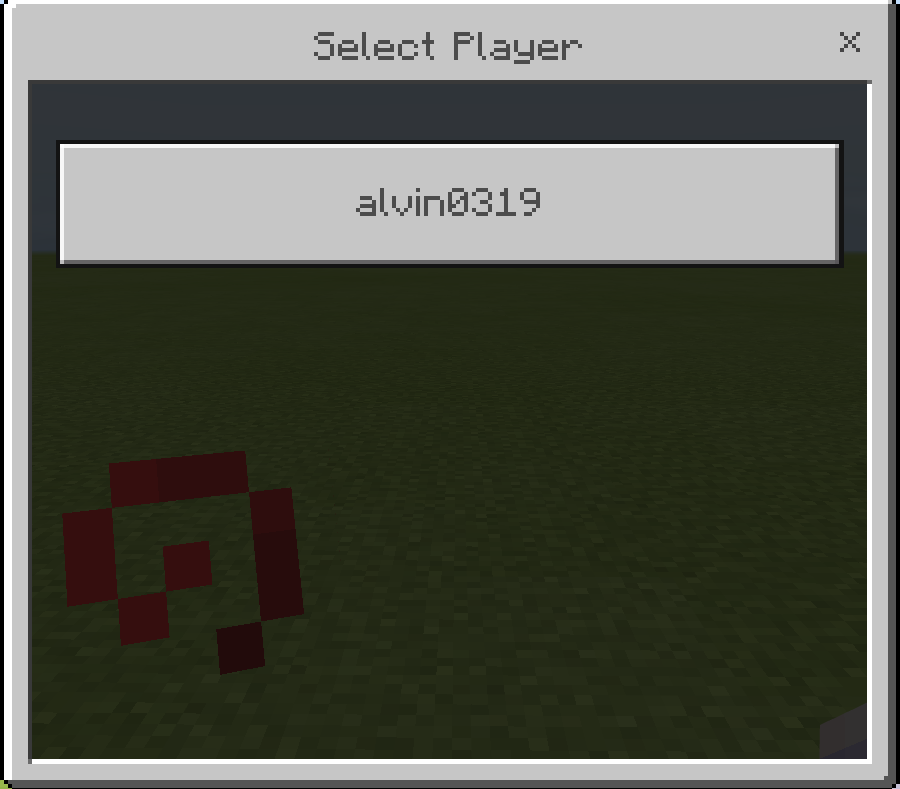
select or input player name.
-
you can see player's address, device model, device os, total warn.
Warn system
If the player's warn count exceeds the value stored in the data, the player cannot connect with message "You are banned. Warn count: [warn]".
The default value is 5.
Future Plan
- Mute system
- clientId, clientUUID, device ban
- and more
Config
PlayerData config
---
alvin0319:
  device: Windows10
  model: SAMSUNG ELECTRONICS CO., LTD. 700A7K
  address: 127.0.0.1
...
WarnData config
---
ban-count: 5 ## this is limit of warn
player:
  alvin0319: 1 ## this is total warn
...
Pictures



Hi so i downloaded this plugins and was testing a few things with this plugin because i was carouse and I accidentally click ipban on my self and when i check the BanList its says I’m not banned but i still cant join my server plz help what do i do?

Reply to review by :