
Direct Download
How to install?
Switch version

 4 Reviews
851 Downloads / 6816 Total
Submitted on 15 Aug 2023 from Dev Build #64, Approved on 15 Aug 2023
KygekRulesUI


📖 About
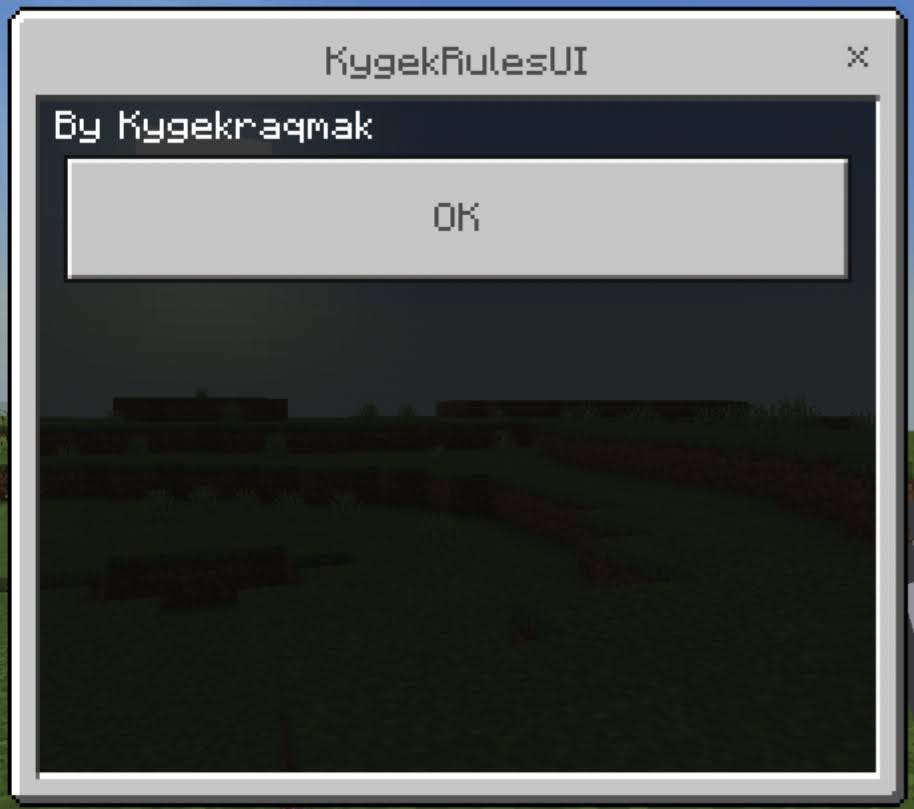
A plugin that will show your server rules in UI form. To open KygekRulesUI, simply type /rules in the chat.
🧩 Features
- Easy to use (you can set the
title,contentandbuttonin theconfig.yml) - No need to restart, config will automatically get reloaded every time the
/rulescommand gets executed! - Use
{player}to display player name - Use
§as formatting codes - Use
\nto break into a new line - Change command description to suit your server
- Supports command aliases
- FormAPI plugin is not required
- Automatic plugin update checker on server startup
⬇️ Installation
- Download the latest version (It is recommended to always download the latest version for the best experience, except you're having compatibility issues).
- Put the .phar file to the
pluginsfolder. - Restart the server.
- Open the
config.ymlfile in theplugin_data/KygekRulesUIfolder to edit thetitle,contentandbutton(NEVER TOUCH THEconfig-version!). - Join the server and type
/rulesin the player chat. - Done!
📜 Commands & Permissions
| Command | Default Description | Permission | Default |
|---|---|---|---|
/rules |
Server rules in UI form | kygekrulesui.rules |
true |
- Command description can be changed in
config.yml. You can also add command aliases inconfig.yml. - Use
-kygekrulesui.rulesto blacklist the/rulescommand permission to groups/users in PurePerms.
🚢 Other Versions
⚖️ License
Licensed under the GNU General Public License v3.0 license.
What's new §
- Updates for PM5
- Now supports PM4!
- Dropped support for PM3
- Use version 1.x.y for PM3 support
- Added KygekTeam as an author
- Now using FormsUI instead of FormAPI
- Changed virion from UpdateNotifier to ktpmpl-cfs in
.poggit.yml - Added a warning if the plugin is in a development version on startup
- Version releases on Poggit have this feature disabled by default

Doesn’t work for me unfortunately.


I has download all you plugin , because all plugins u make its good


Realy good plugi for multi player servers!
Reply to review by :
Supported API versions
5.0.0
->
5.36.0
 @KygekDev
  @KRUNCHSHooT
  @Kygekraqmak
  @NhanAZ
  @tobydev27
 Categories:
Informational
General
Miscellaneous
Keywords
Permissions
Permissions
Commands